
Guided: Bubble Level for iPhone
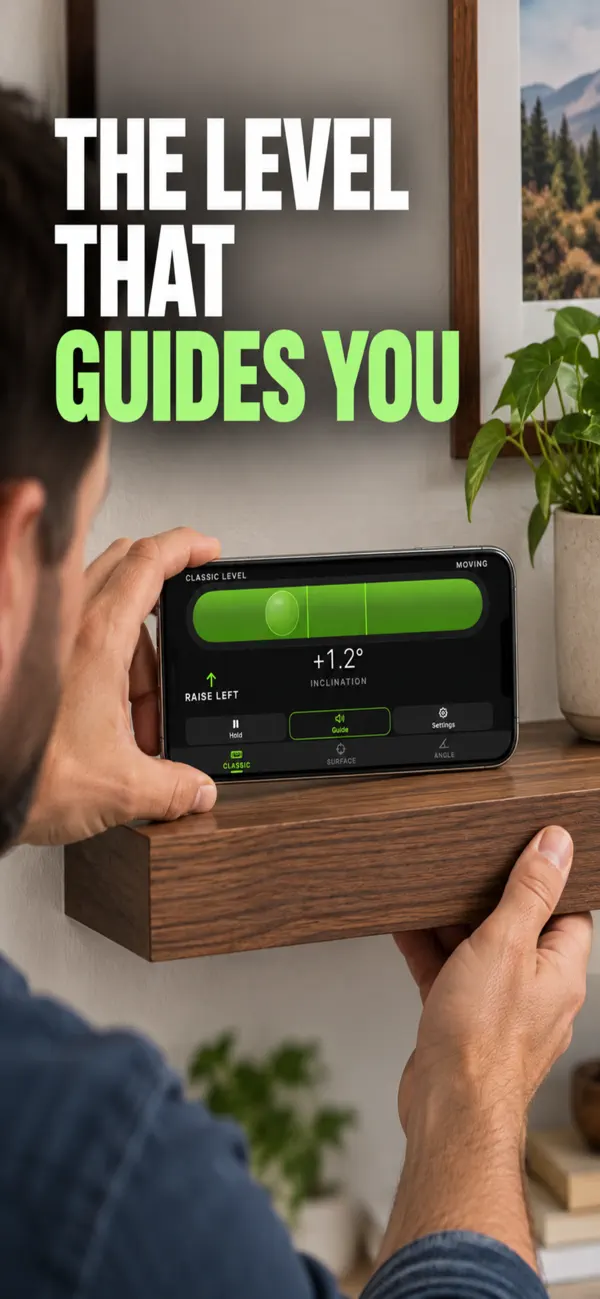
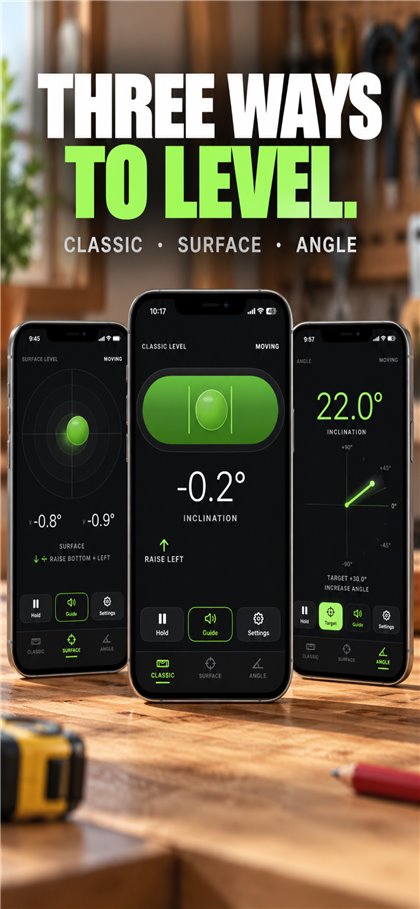
When a shelf looks crooked or an appliance rocks, Guided helps you see how far out of level it is. Use your iPhone as a spirit level for straight edges, a two-axis level for flat surfaces, or an inclinometer when you need an angle reading.
For iPhone with iOS 18 or later. Free to download with a one-time Guided Pro upgrade.

More from the app
How Guided works
- Choose Classic for an edge, Surface to check tilt in two directions, or Angle to read inclination.
- Rest the phone against the edge or flat on the surface and read the display. Use calibration if you need to establish a reference.
- Use the available visual, vibration, or audio feedback as you make adjustments.
When to use Guided
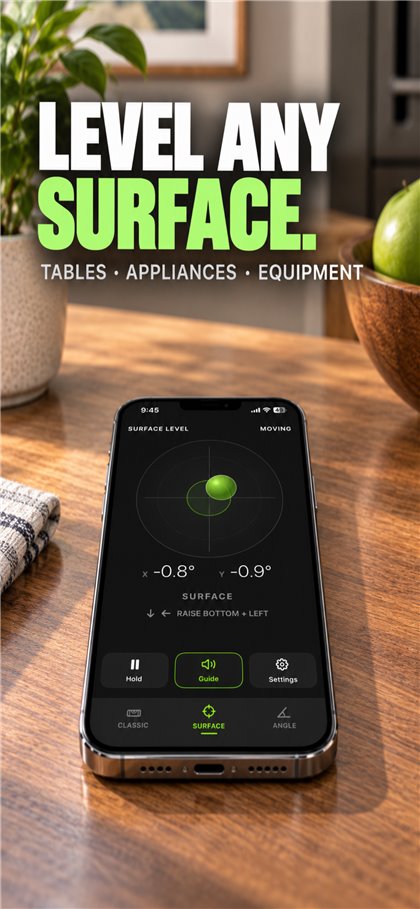
Check a picture frame or shelf in Classic mode, set up a washing machine with Surface mode, or use Angle mode to measure the tilt of a work surface.
Frequently asked questions
- Can I check a tabletop in both directions?
- Yes. Lay the iPhone flat and switch to Surface mode to see tilt in two axes.
- Can I level toward an angle other than zero?
- Guided Pro adds custom target angles, directional visual guidance, and extra themes. It is a one-time purchase.
- Do I need to keep watching the screen?
- Guided offers audio and vibration feedback so you can pay attention to what you’re adjusting.
Explore more apps
michi · Compare choices side by side using criteria weighted by what matters to you.